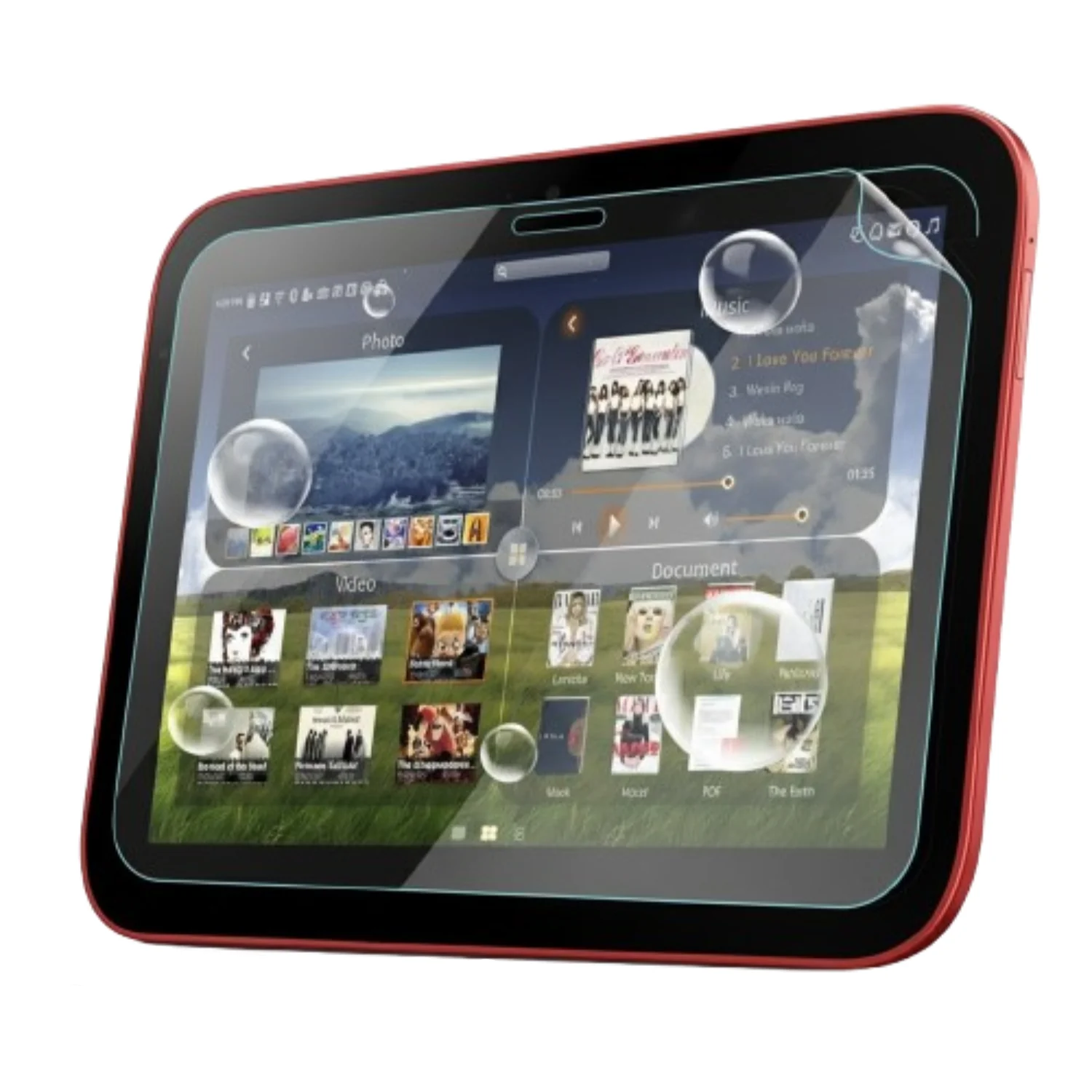
Hydrogel Screen Protector for Lenovo IdeaPad K1 (Pack of 2)
This two-piece hydrogel-TPU protector set provides long-term coverage or a spare for your IdeaPad K1.
Both films offer the same soft, flexible, self-healing protection to help maintain the screen’s condition.
Main Features
-
Two high-quality hydrogel films
-
Flexible, self-repairing material for durability
-
Clear finish to maintain display aesthetics
-
Excellent touch sensitivity across both films
-
Great value for replacement or extended use
Installation Instructions:
- Remove your old screen protector
- Clean the screen with the wipes provided. First the wet wipe then the dry wipe.
- Remove the hydrogel screen protector from the card
- Lift each corner carefully ensuring that you keep the back plates attached
- Align the screen protector on your tablet & stick it in place
- Use the scraper provided or a bank card to stick the centre of the screen protector in place
- Gently remove the bottom back plate & flatten on to the screen
- Now peel off the top back plate & flatten
- Press out the air bubbles with the scraper provided or a bank card
- The remaining bubbles will disappear on their own in a few days
- Now remove the top film & enjoy your new screen protector
- Future scratches can be blended out with the scraper provided or a bank card
Product Information
Product Information
Shipping & Returns
Shipping & Returns
Hydrogel Screen Protector for Lenovo IdeaPad K1 (Pack of 2)
Hydrogel Screen Protector for Lenovo IdeaPad K1 (Pack of 2)
This two-piece hydrogel-TPU protector set provides long-term coverage or a spare for your IdeaPad K1.
Both films offer the same soft, flexible, self-healing protection to help maintain the screen’s condition.
Main Features
-
Two high-quality hydrogel films
-
Flexible, self-repairing material for durability
-
Clear finish to maintain display aesthetics
-
Excellent touch sensitivity across both films
-
Great value for replacement or extended use
Installation Instructions:
- Remove your old screen protector
- Clean the screen with the wipes provided. First the wet wipe then the dry wipe.
- Remove the hydrogel screen protector from the card
- Lift each corner carefully ensuring that you keep the back plates attached
- Align the screen protector on your tablet & stick it in place
- Use the scraper provided or a bank card to stick the centre of the screen protector in place
- Gently remove the bottom back plate & flatten on to the screen
- Now peel off the top back plate & flatten
- Press out the air bubbles with the scraper provided or a bank card
- The remaining bubbles will disappear on their own in a few days
- Now remove the top film & enjoy your new screen protector
- Future scratches can be blended out with the scraper provided or a bank card
Product Information
Product Information
Shipping & Returns
Shipping & Returns
Description
This two-piece hydrogel-TPU protector set provides long-term coverage or a spare for your IdeaPad K1.
Both films offer the same soft, flexible, self-healing protection to help maintain the screen’s condition.
Main Features
-
Two high-quality hydrogel films
-
Flexible, self-repairing material for durability
-
Clear finish to maintain display aesthetics
-
Excellent touch sensitivity across both films
-
Great value for replacement or extended use
Installation Instructions:
- Remove your old screen protector
- Clean the screen with the wipes provided. First the wet wipe then the dry wipe.
- Remove the hydrogel screen protector from the card
- Lift each corner carefully ensuring that you keep the back plates attached
- Align the screen protector on your tablet & stick it in place
- Use the scraper provided or a bank card to stick the centre of the screen protector in place
- Gently remove the bottom back plate & flatten on to the screen
- Now peel off the top back plate & flatten
- Press out the air bubbles with the scraper provided or a bank card
- The remaining bubbles will disappear on their own in a few days
- Now remove the top film & enjoy your new screen protector
- Future scratches can be blended out with the scraper provided or a bank card