Hydrogel Screen Protector for Lenovo Idea Tab Pro (Pack of 2)
Get two hydrogel films for your IdeaTab Pro — one for current use and a spare for later.
Both films deliver the same flexible, self-repairing protection to keep your screen safe for the long run.
Main Features
-
Two premium hydrogel / TPU films
-
Flexible and durable with self-repairing material
-
Transparent finish for natural display look
-
Excellent touch sensitivity in both pieces
-
Good value for replacement or extended use
Installation Instructions:
- Remove your old screen protector
- Clean the screen with the wipes provided. First the wet wipe then the dry wipe.
- Remove the hydrogel screen protector from the card
- Lift each corner carefully ensuring that you keep the back plates attached
- Align the screen protector on your tablet & stick it in place
- Use the scraper provided or a bank card to stick the centre of the screen protector in place
- Gently remove the bottom back plate & flatten on to the screen
- Now peel off the top back plate & flatten
- Press out the air bubbles with the scraper provided or a bank card
- The remaining bubbles will disappear on their own in a few days
- Now remove the top film & enjoy your new screen protector
- Future scratches can be blended out with the scraper provided or a bank card
Product Information
Product Information
Shipping & Returns
Shipping & Returns
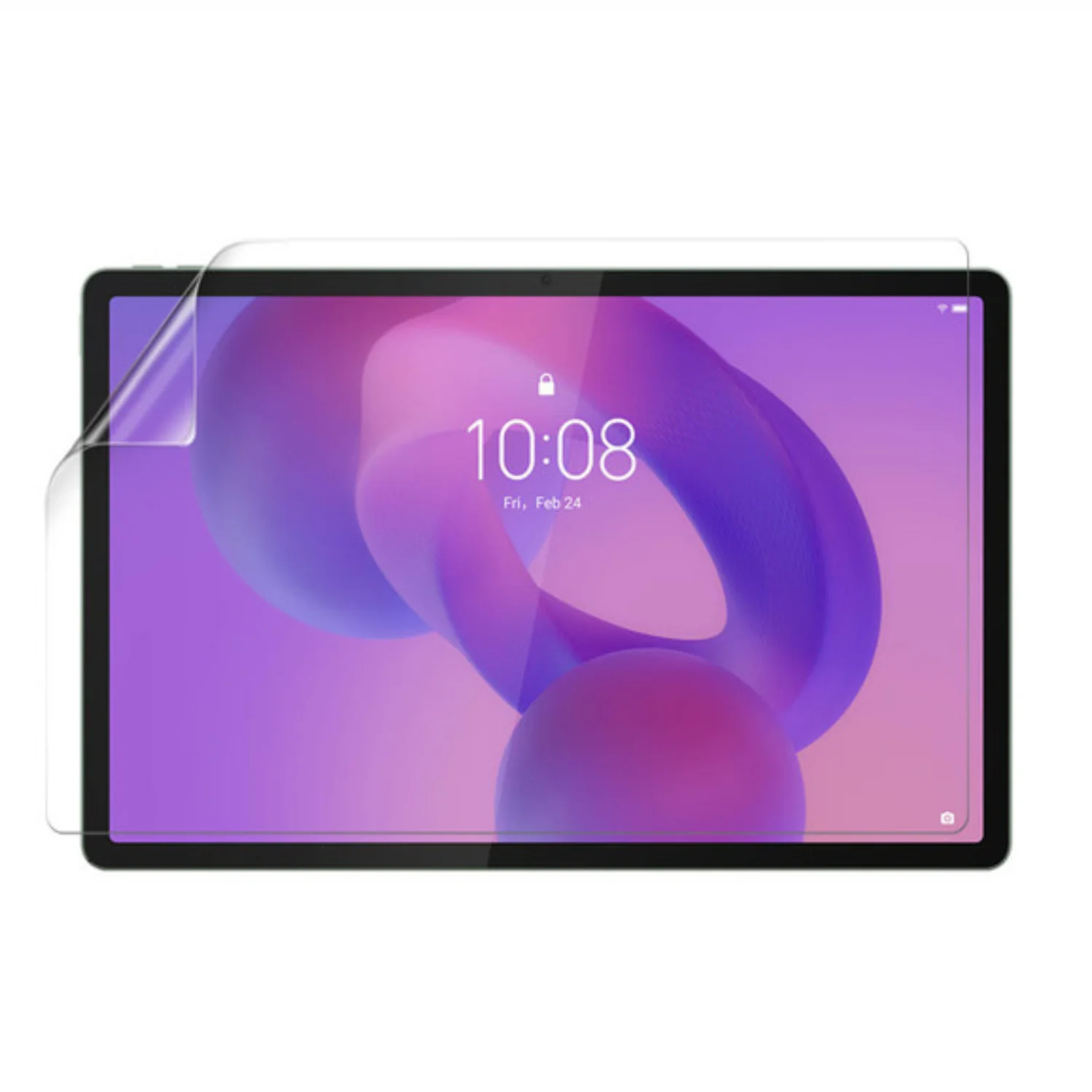
Hydrogel Screen Protector for Lenovo Idea Tab Pro (Pack of 2)
Hydrogel Screen Protector for Lenovo Idea Tab Pro (Pack of 2)
Get two hydrogel films for your IdeaTab Pro — one for current use and a spare for later.
Both films deliver the same flexible, self-repairing protection to keep your screen safe for the long run.
Main Features
-
Two premium hydrogel / TPU films
-
Flexible and durable with self-repairing material
-
Transparent finish for natural display look
-
Excellent touch sensitivity in both pieces
-
Good value for replacement or extended use
Installation Instructions:
- Remove your old screen protector
- Clean the screen with the wipes provided. First the wet wipe then the dry wipe.
- Remove the hydrogel screen protector from the card
- Lift each corner carefully ensuring that you keep the back plates attached
- Align the screen protector on your tablet & stick it in place
- Use the scraper provided or a bank card to stick the centre of the screen protector in place
- Gently remove the bottom back plate & flatten on to the screen
- Now peel off the top back plate & flatten
- Press out the air bubbles with the scraper provided or a bank card
- The remaining bubbles will disappear on their own in a few days
- Now remove the top film & enjoy your new screen protector
- Future scratches can be blended out with the scraper provided or a bank card
Original: $21.61
-65%$21.61
$7.56Product Information
Product Information
Shipping & Returns
Shipping & Returns
Description
Get two hydrogel films for your IdeaTab Pro — one for current use and a spare for later.
Both films deliver the same flexible, self-repairing protection to keep your screen safe for the long run.
Main Features
-
Two premium hydrogel / TPU films
-
Flexible and durable with self-repairing material
-
Transparent finish for natural display look
-
Excellent touch sensitivity in both pieces
-
Good value for replacement or extended use
Installation Instructions:
- Remove your old screen protector
- Clean the screen with the wipes provided. First the wet wipe then the dry wipe.
- Remove the hydrogel screen protector from the card
- Lift each corner carefully ensuring that you keep the back plates attached
- Align the screen protector on your tablet & stick it in place
- Use the scraper provided or a bank card to stick the centre of the screen protector in place
- Gently remove the bottom back plate & flatten on to the screen
- Now peel off the top back plate & flatten
- Press out the air bubbles with the scraper provided or a bank card
- The remaining bubbles will disappear on their own in a few days
- Now remove the top film & enjoy your new screen protector
- Future scratches can be blended out with the scraper provided or a bank card